



It’s John-Michael from EXCEL2TECH—and it’s been a while.
Life gets busy, calendars fill up, and sometimes the things you enjoy the most have to wait in line. But I’m back today with a product I’m genuinely excited about… not because it’s the newest gadget, not because it has the fastest processor, and not because it claims to replace everything else.
I’m excited because it made me ask a bigger question:
What is Amazon trying to solve?
The “weird” Kindle Scribe (and why that matters)
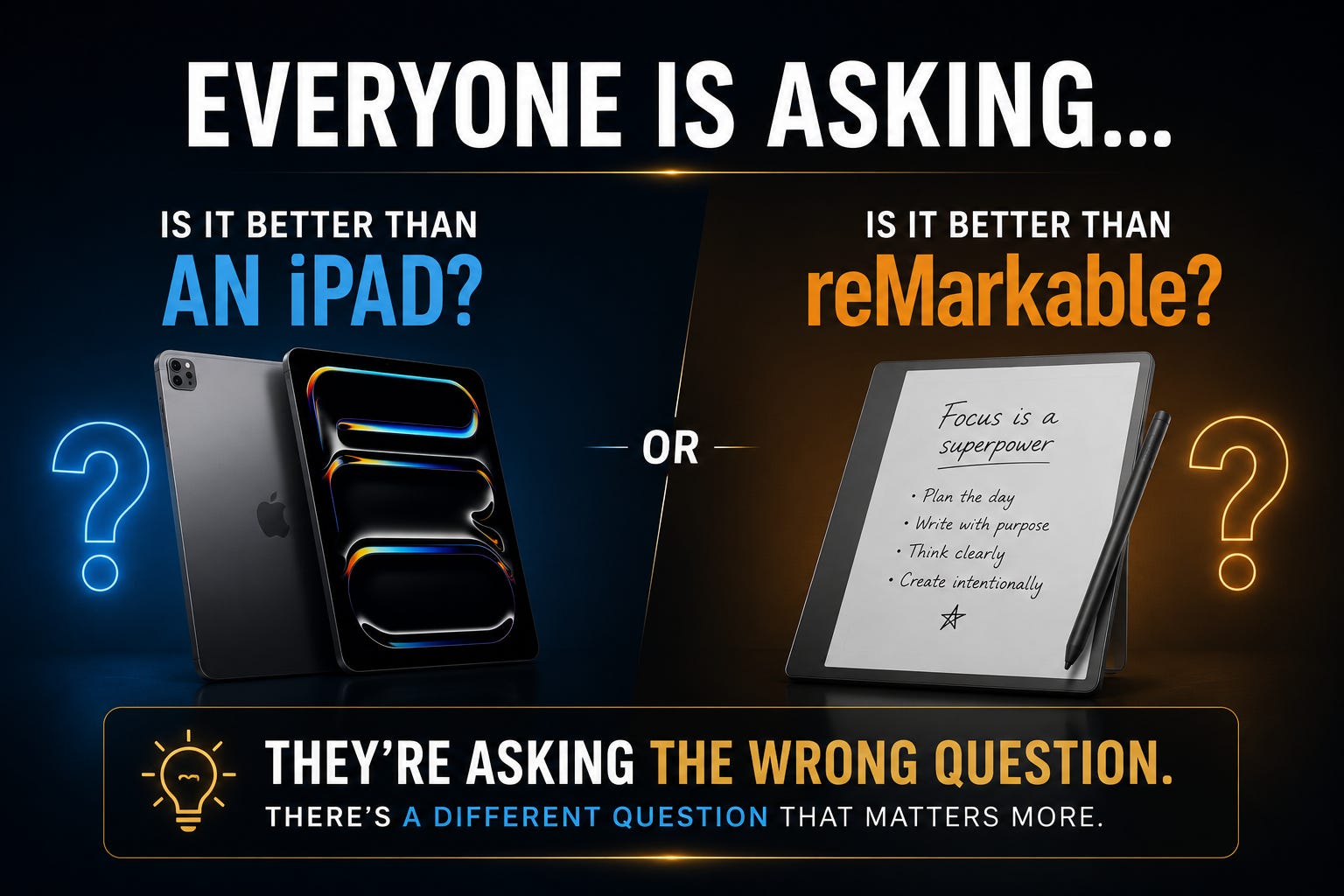
Amazon now has multiple Scribe options—including higher-end models—but this one is the attention-grabber: the Kindle Scribe without front lights.
Most people hear that and immediately think it’s a step backward. After all, front lights are what make Kindles so convenient for reading in bed, traveling, or any dim environment.
But here’s the thing: I don’t do much of that.
I don’t read at night. I don’t travel constantly. And that’s why this model stood out—because it feels like Amazon intentionally built a Scribe for a different kind of reader.
If you’re not a reader, this one isn’t for you
Early in the video, I say it plainly: if you’re not a reader, if you don’t crack books, and if you “don’t have time to read,” then this unboxing probably isn’t for you.
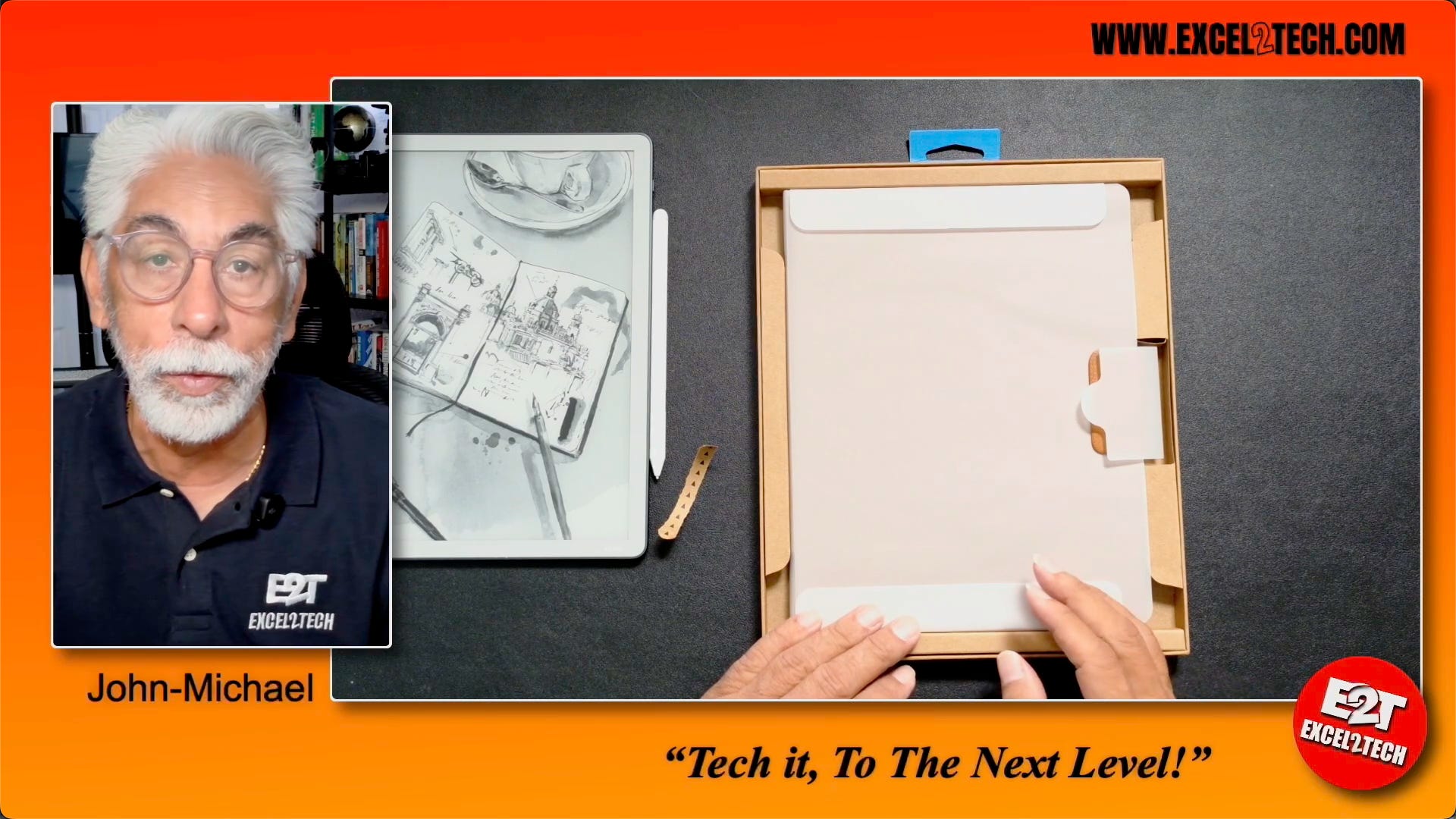
This device is about what happens when reading turns into thinking.
I was talking with my son Richie about books, and he mentioned something that hit me: he likes to write in books—scribble, add thoughts, put notes in the margins.
And honestly… so do I.
Because when you’re reading, ideas show up. Questions show up. Connections show up. And if you don’t capture them, they’re gone.
That’s where the Kindle Scribe becomes interesting.
First look: slim, clean, and built for writing
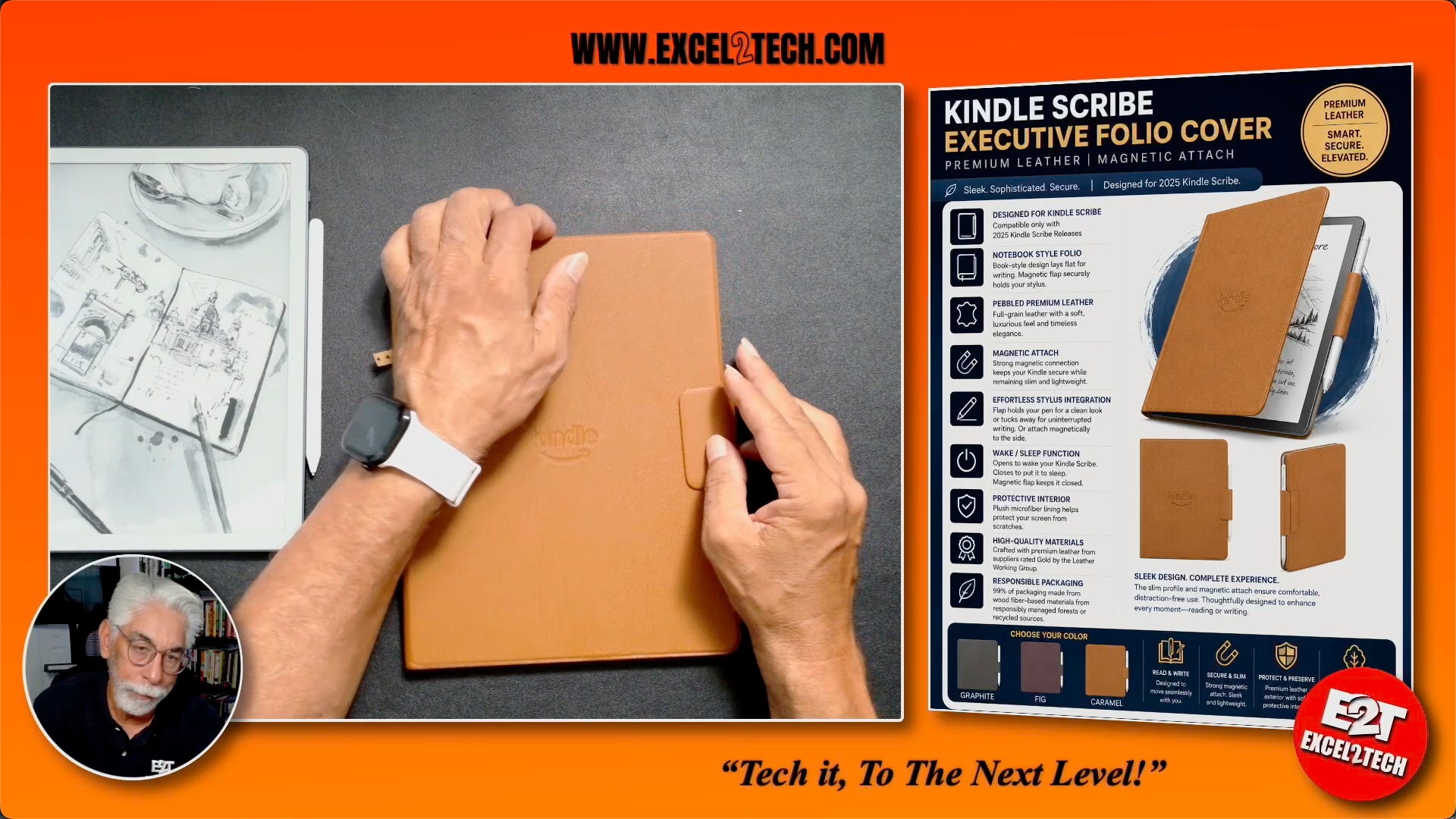
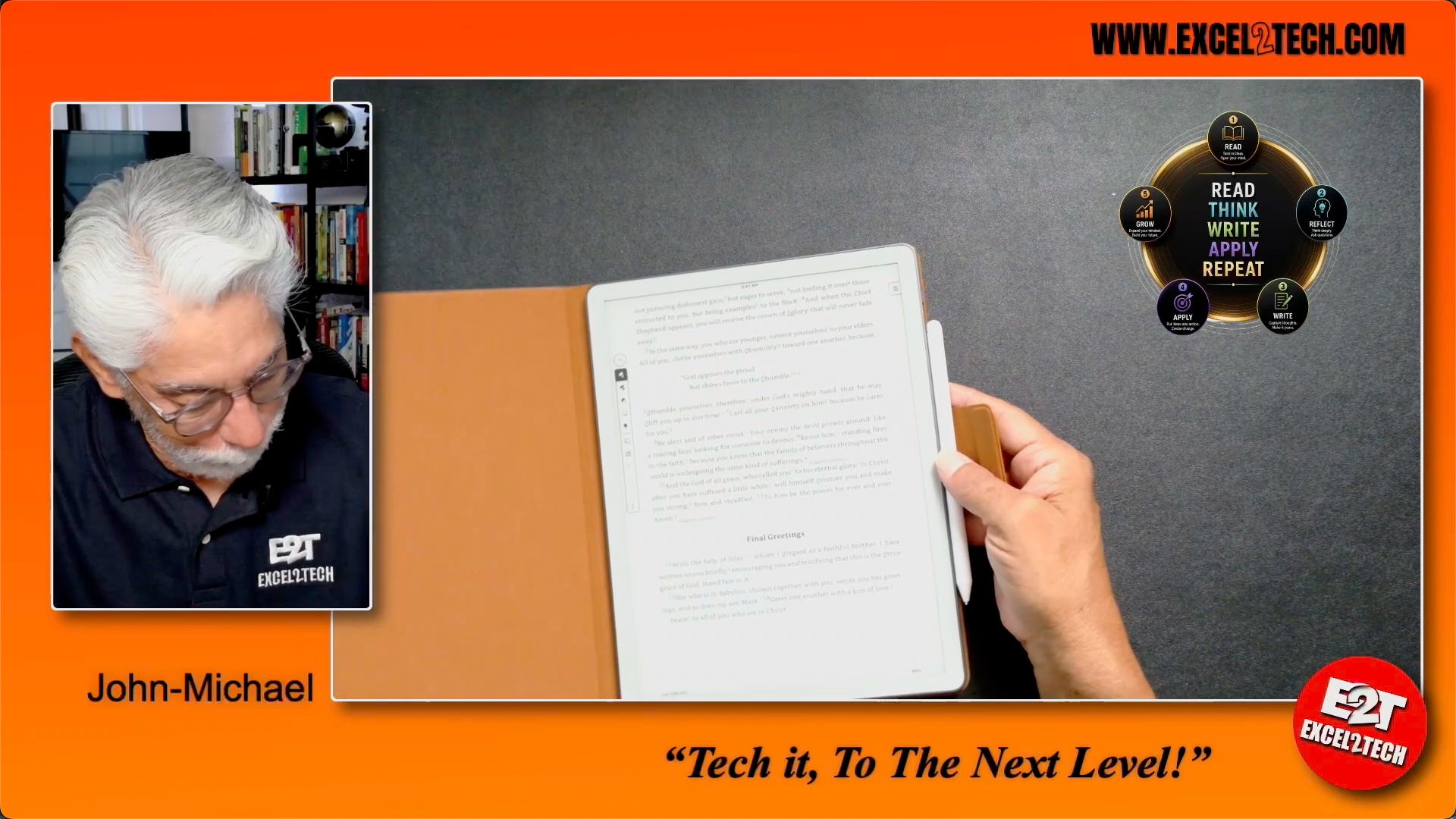
In the unboxing, you’ll see how thin this Scribe is—and how strong the magnet connection is for the Premium Pen. The pen has a button for quick actions and an eraser end, and it comes with extra tips.
Once it’s set up (which I did through my phone in about 5–10 minutes), the whole experience feels like it’s designed around two things: your library and your workspace—notebooks, folders, and quick notes.
And the writing experience? It’s smooth, dark, and clean. Pens, markers, highlighters, shapes, erasers—everything you need to treat this like a real digital notebook.
The big takeaway: read… then do something with it
The heart of the video is what I call the reading cycle:
Read → Reflect → Ask questions → Write → Apply → Grow
And this device makes that cycle easier—because you can highlight, write in the margins, and then even export your annotations and send them to email as a PDF.
Watch the full video + subscribe
This blog is only the condensed version.
To see the full unboxing, the setup, the writing tools, and how I use it to mark up a real book, watch the full video here: [LINK] (I’ll add it) or visit my YouTube channel EXCEL2TECH.

If this kind of thoughtful tech content is your thing, subscribe—more videos are coming, and we’re going to TECH IT! to the Next Level.


